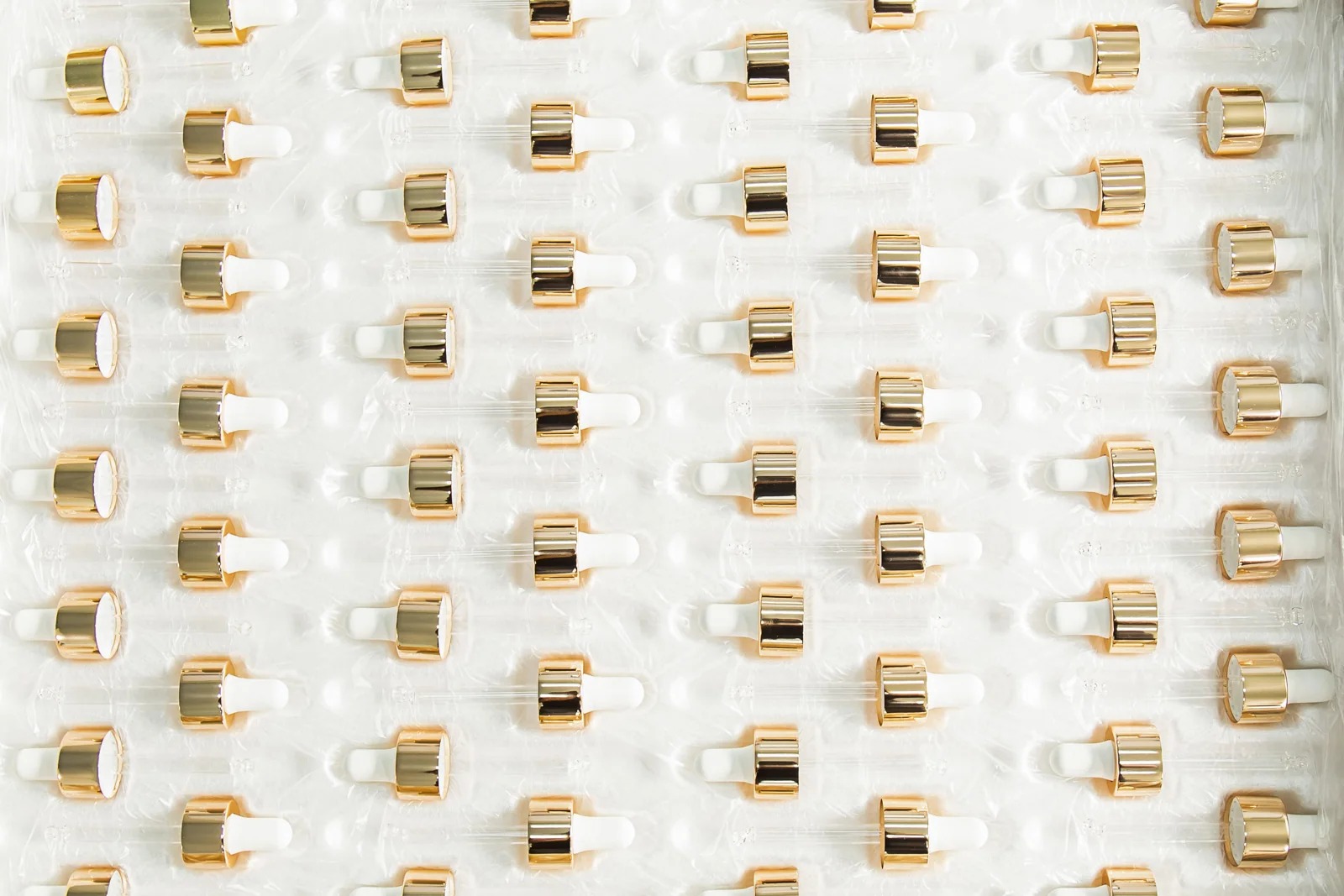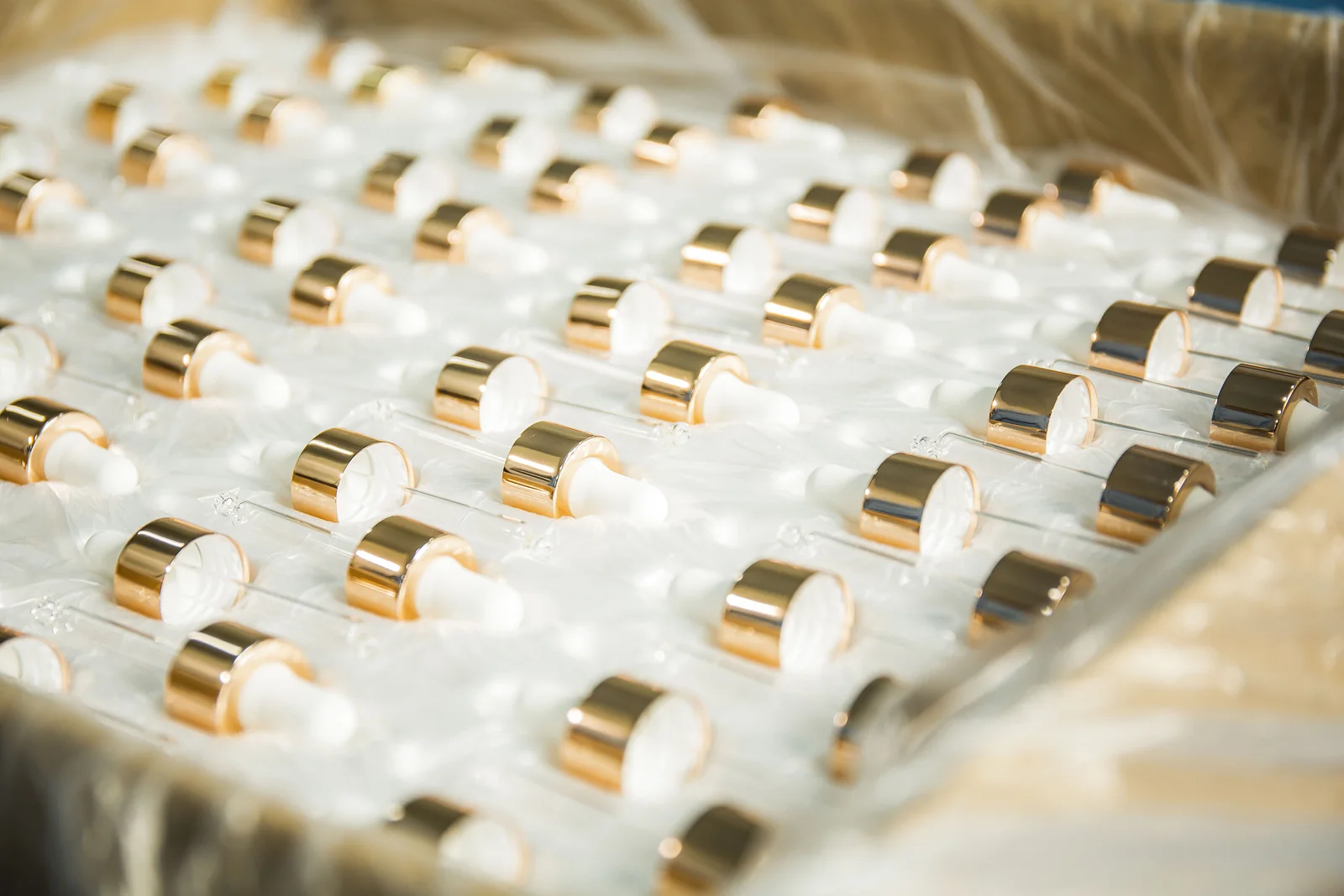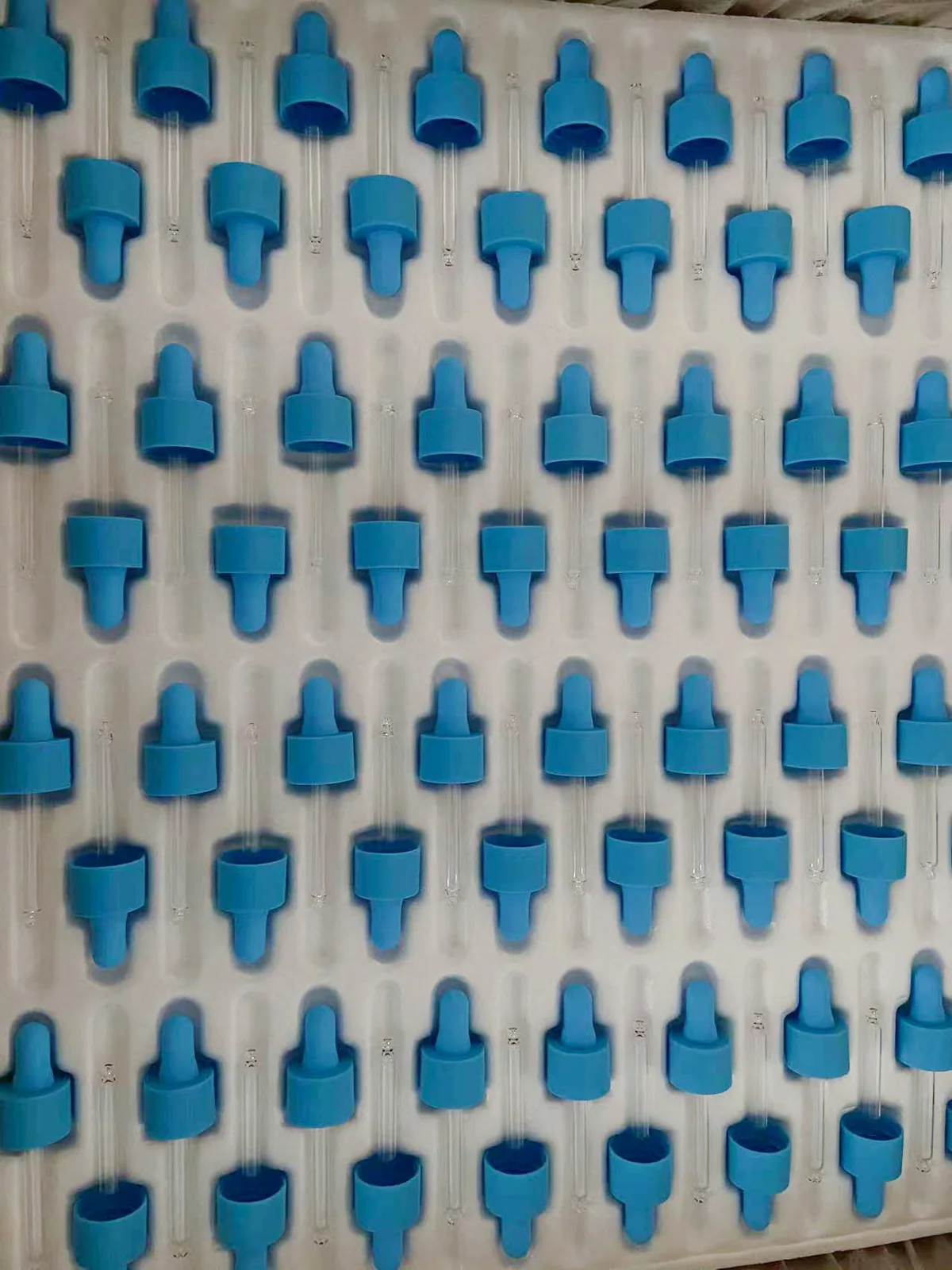
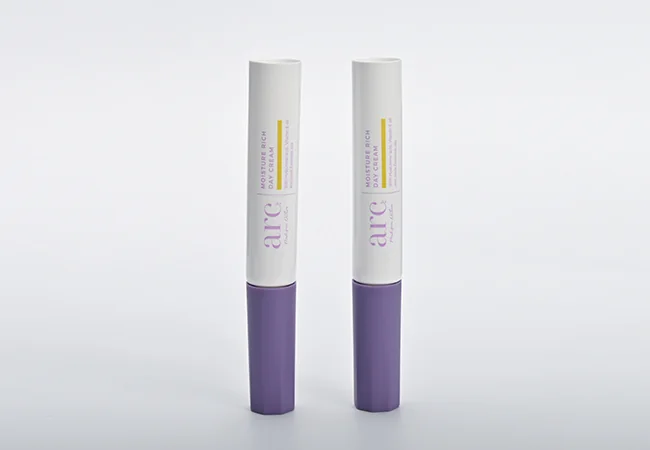
Oulete’s factory has 10 screen-printing presses. To review a print project, we need the actual container model and the artwork that will appear on it.
Artwork starts with the container
Provide editable artwork with the fonts and graphics prepared for production. Mark the desired print dimensions and orientation. Identify any areas that must remain clear, including seams, curved transitions and space reserved for a label or batch code.
Ask for a layout on the selected part before sampling. A flat drawing helps check spelling and placement; the physical sample shows how the design reads around the container.
What to inspect on the sample
- Text and symbols are complete and legible at the actual printed size.
- The artwork faces the intended direction when the closure is assembled.
- Printed colors are reviewed against the agreed reference.
- Print position and any multi-color registration meet the approved specification.
- The relevant adhesion and handling checks are defined for the finished part.
Do not approve a sample using artwork that is still being revised. Record the file version, print size, color reference and component together.
Combining print with other finishes
If the body is coated or another part uses foil, include the complete finish sequence in the request. Sample approval should cover that combination, rather than treating an undecorated part as approval of the finished package.
Send a printing brief with model, quantity and artwork, or compare foil stamping.
Photos and process footage
Put the specification to work
Prepare a sample request. The tool shows its inputs and limits before you use the result in a project brief.